You are browsing
79Consulting
No dedicated hardware. No per-scanner licenses. No unnecessary restarts.
Built for NetSuite. Designed for the realities of physical inventory counting.
Inventory Count helps teams count faster, improve accuracy, and reduce stock discrepancies right inside NetSuite.













.avif)
.avif)
.avif)
Why Choose Inventory Count
Most NetSuite teams already have an Inventory counting process.
The challenge is everything around it: limited scanners, one counter per bin, interrupted counts, manual reconciliation, and hundreds of variances to investigate afterwards.
The Inventory Count is designed to remove those bottlenecks.
Multiple counters, same bin.
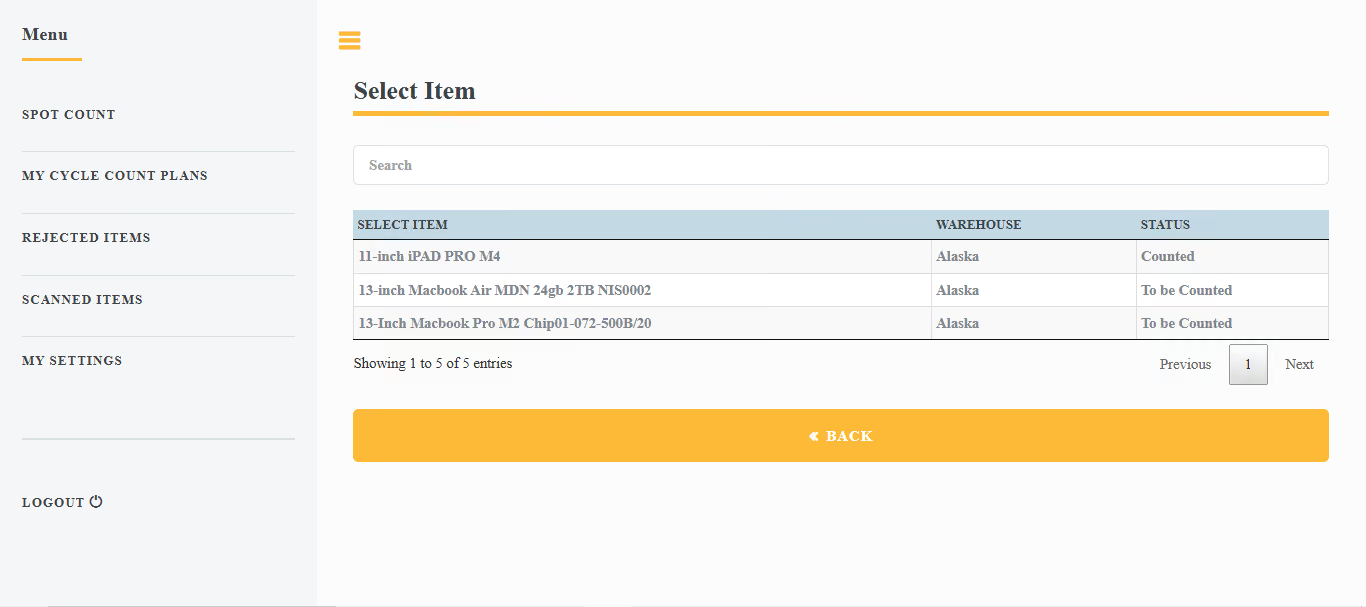
Any device: phone, tablet, laptop, or RF scanner
No extra license per counter.
Flag a mistake during the count, correct it and continue.
Screen configured to your workflow.
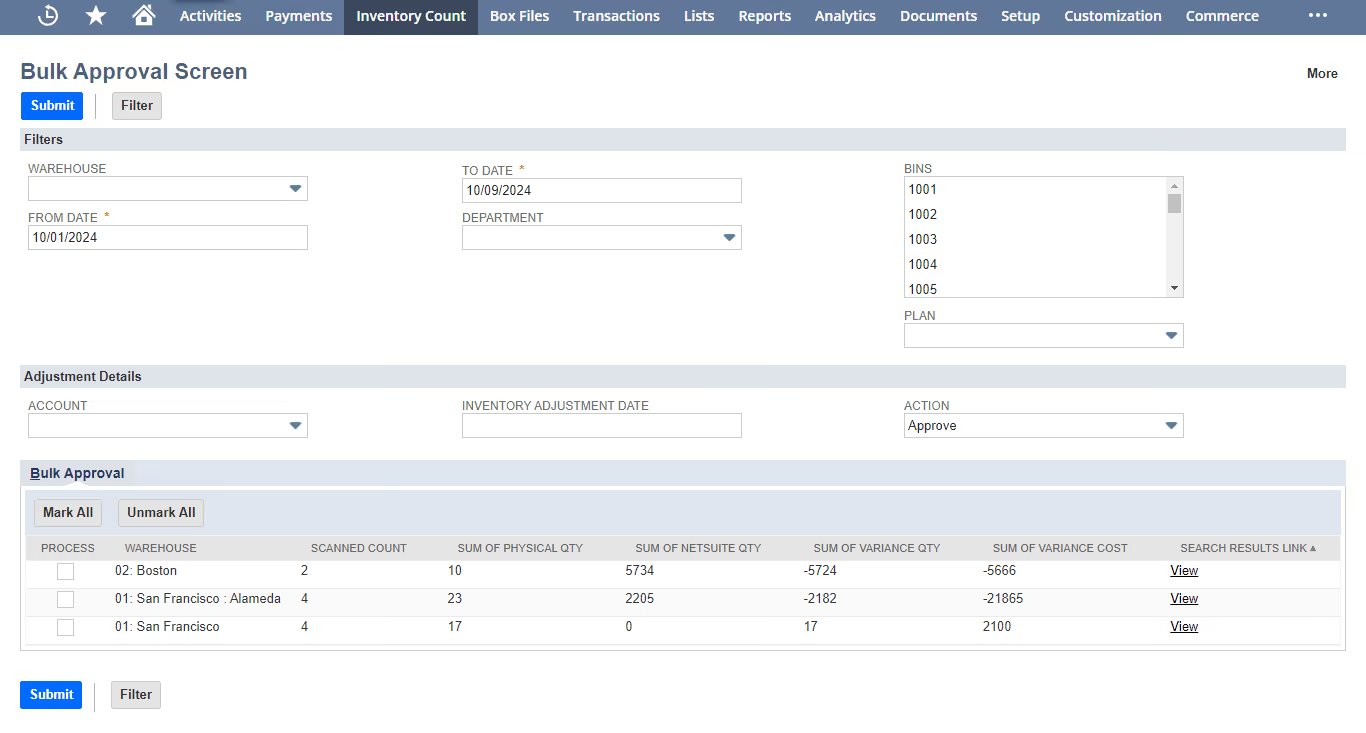
Agent ranks variances by value.

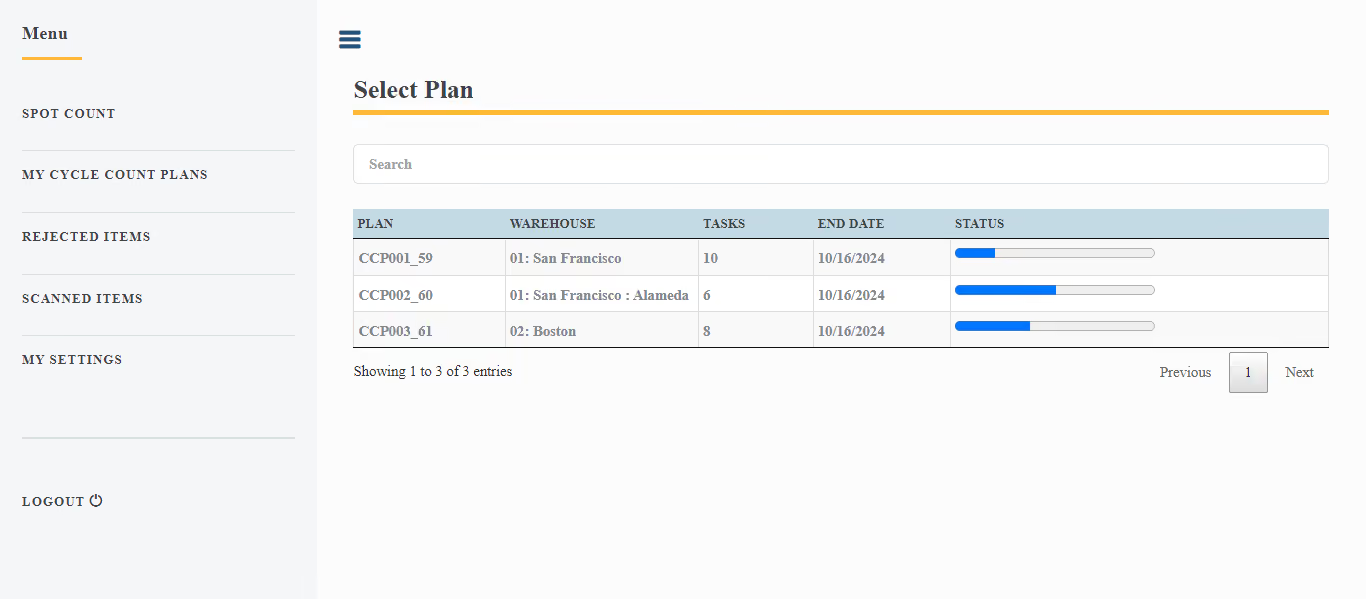
Schedule 30-, 60-, or 90-day cycle counts to stay in sync with real stock levels and minimize errors.

Scan barcodes, input serial numbers, and select locations using any mobile device - no extra hardware required.

Our team helps configure Inventory Count to fit your needs, ensuring smooth integration with your workflow.

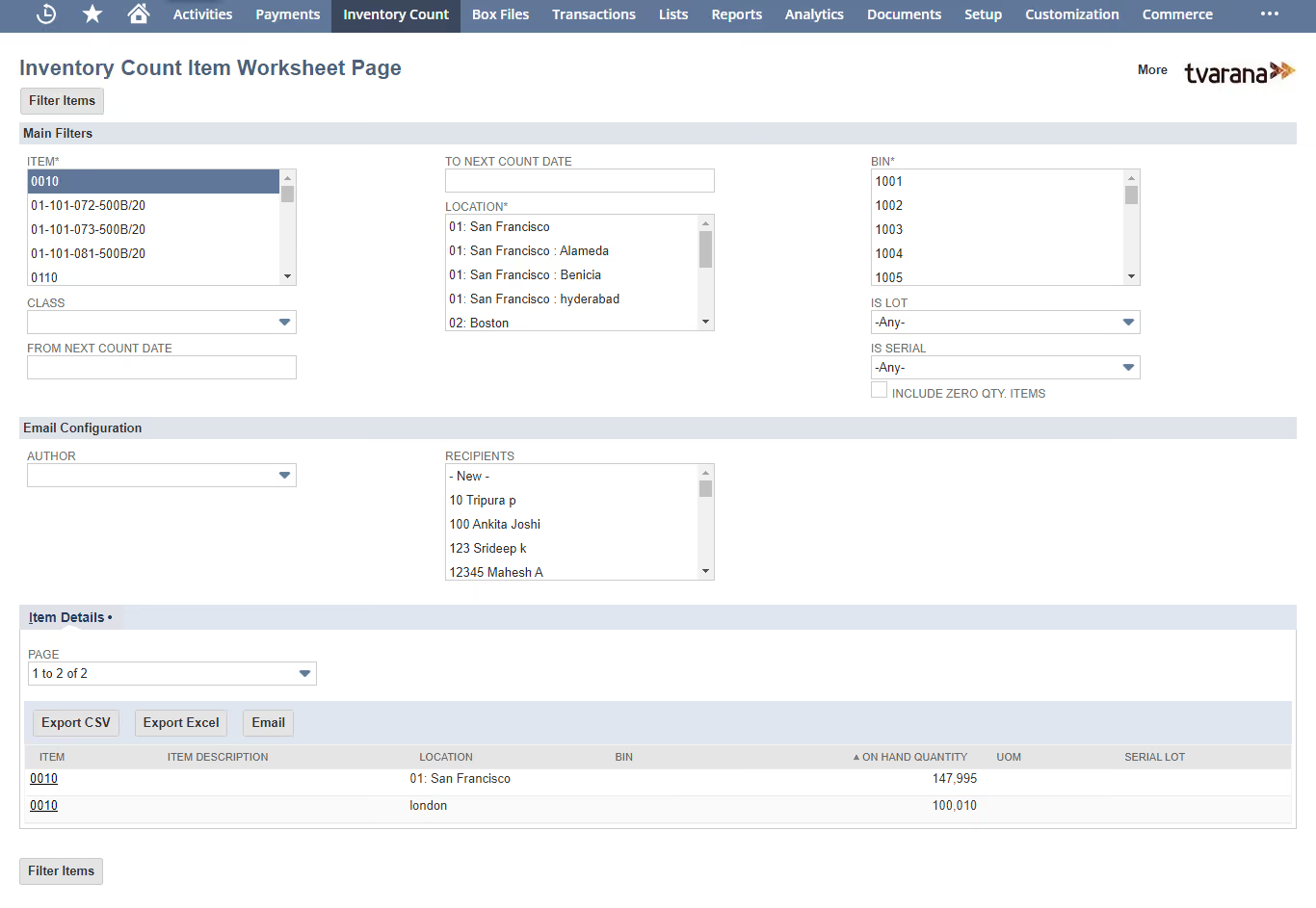
Track Inventory, Assembly, Serialized, and Lot Numbered items. Count by Item, Bin, or Location for full control.

Warehouse staff can fill out detailed count sheets with item info, then import into NetSuite to resolve variances quickly.

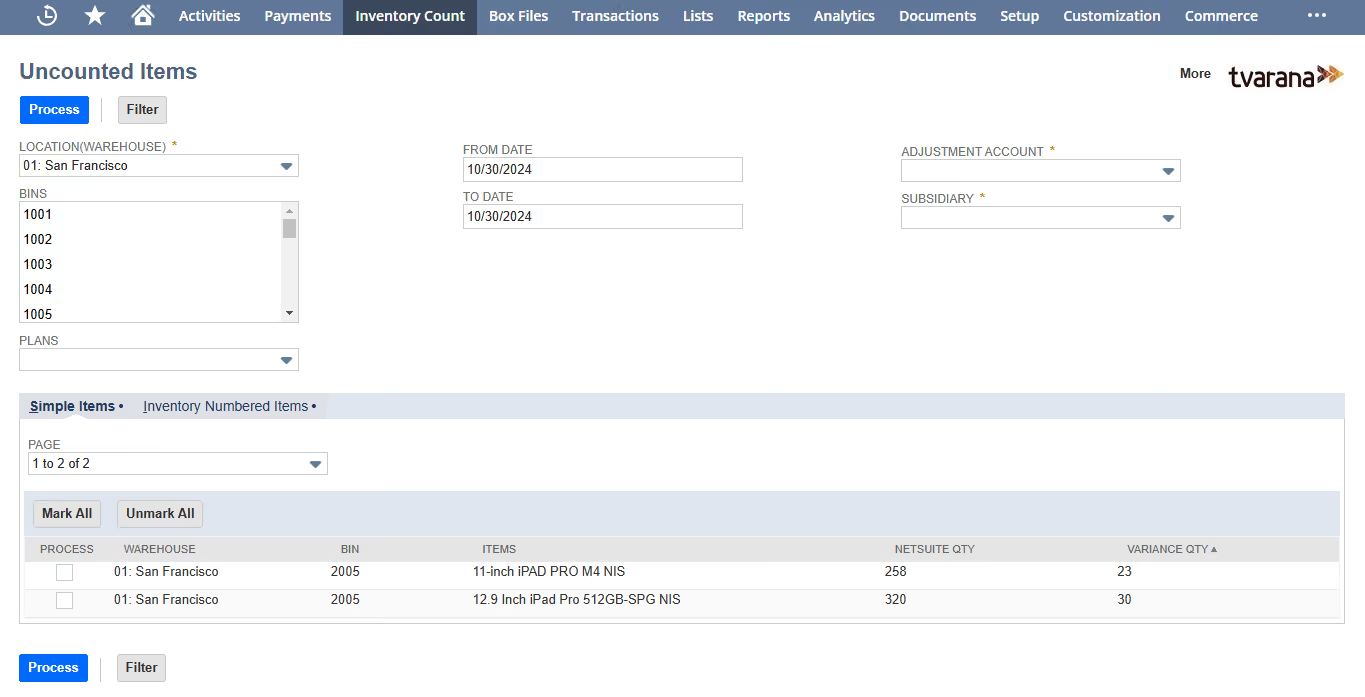
Make quick corrections without restarting counts. Maintain accuracy while reducing time spent on inventory fixes.
The count tells you there is a variance. The Agent helps you understand why.
The Inventory Agent helps Finance and Operations teams investigate variances inside NetSuite using natural language.
Your data stays in NetSuite, and uncertainty is flagged instead of assumed.

The Agent ranks variances by value impact, so you know where to start

Ask follow-up questions and continue tracing the same variance

When the data doesn't support a clear answer, the Agent flags it instead of guessing

It works with your NetSuite transactions, count history, and inventory data




Does NetSuite require an additional license for inventory counting?
Inventory Count eliminates the need for an extra NetSuite licenses, offering a more cost-effective inventory solution.
Can I customize the landing page for inventory counting in NetSuite?
NetSuite’s customizability is limited but Inventory Count provides a fully customizable landing page, tailored to your workflows.
Do I need additional hardware for scanning inventory in NetSuite?
NetSuite often depends on extra hardware. Inventory Count works smoothly with mobile devices—no additional equipment needed.
Can I scan inventory using my mobile device with NetSuite?
Mobile scanning capabilities in NetSuite are limited. Inventory Count supports scanning directly from smartphones and tablets for on-the-go counts.
Is tailored customer support available for inventory features in NetSuite?
Inventory-specific support is generally unavailable in NetSuite but Inventory Count delivers dedicated, expert assistance for all your inventory needs.
Can I continue an inventory count if I make a mistake in NetSuite?
While NetSuite usually requires restarting for corrections, Inventory Count allows error handling and adjustments without interrupting the counting process.
Can I import inventory count records from multiple formats into NetSuite?
Format support is restricted in NetSuite but Inventory Count enables easy import of count data from various file types, streamlining data entry and management.
Is tally scanning flexible in NetSuite?
NetSuite doesn’t offer this flexibility but Inventory Count allows you to toggle tally scanning on or off per user.