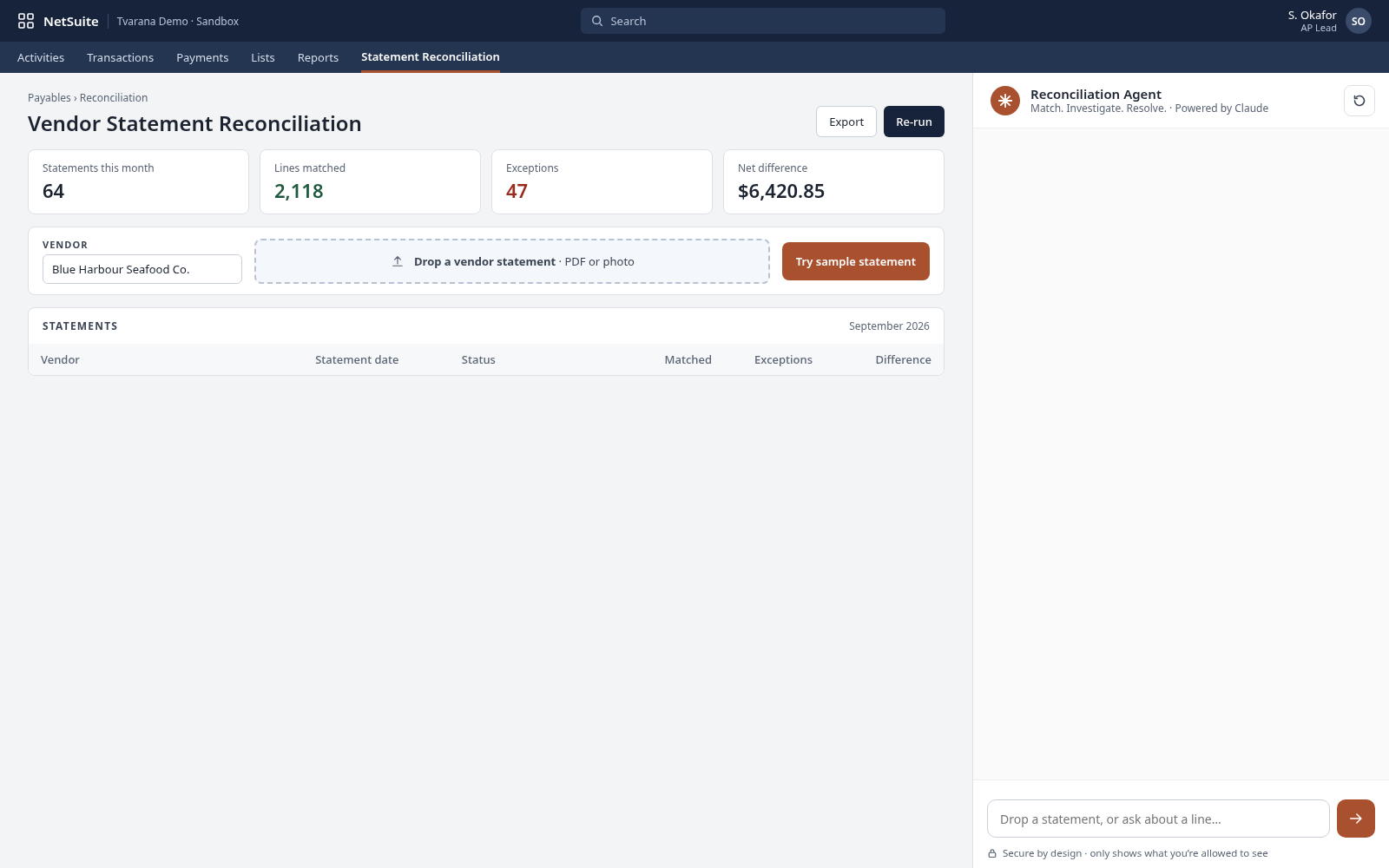
Match. Investigate. Resolve. 
AI AGENT FOR NETSUITE · RECONCILIATION AGENT
 A vendor statement can run to 200 or 500 lines. Ticking each one against NetSuite by hand is slow, and it’s easy to miss something. The Reconciliation Agent checks every line, explains what doesn’t match, and hands your team a clear list to act on. 
  • Every statement line matched against
  • NetSuite A status and a likely cause for every mismatch
  • A clear exception list, vendor by vendor 
    ‍
Talk to an expert
Book a personalized 30-minute session with one of our experts!
Button arrow arrow right white
NetSuite
Solution
Finder
RAPSODOHAKLUYTHAKLUYTHAKLUYTHAKLUYTHAKLUYT

Why Choose the Reconciliation Agent

  • Native to NetSuite, matching against your real transactions
  • Reads statements in any layout 
  • Finds what doesn’t match, and why 
  • Never marks a mismatch as matched 
  • Finance sees what’s failing across every vendor

How Reconciliation Agent works

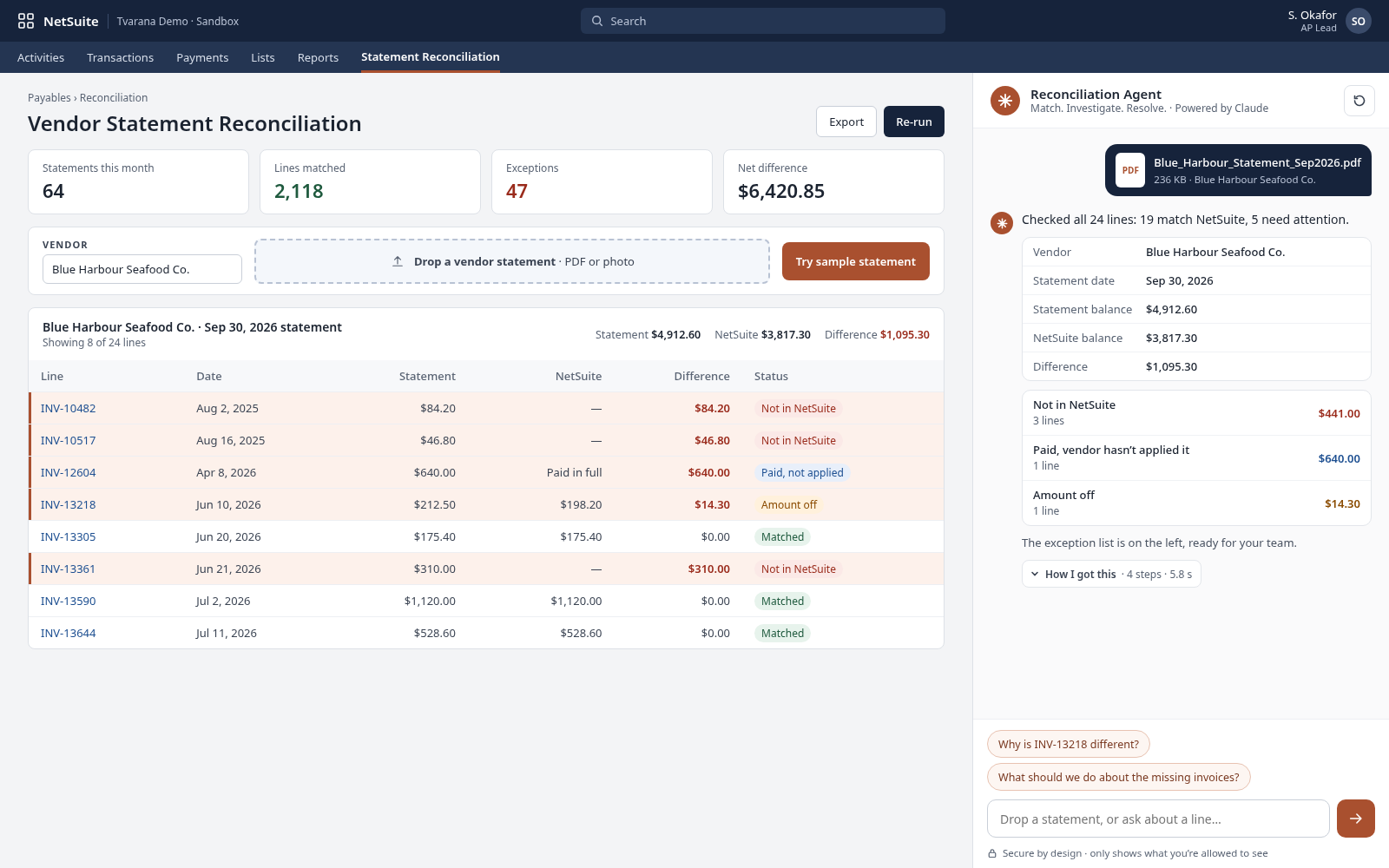
  • Match. Drop in the statement. AI reads it and matches every line against your NetSuite transactions. 

  • Investigate. Every line gets a status (matched, amount off, not in NetSuite, or paid but not applied) and a likely cause. 

  • Resolve. Your team gets a clear list to act on, and finance sees what’s failing, vendor by vendor. 

Ask it in plain English

  • “Which lines on this statement aren’t in NetSuite?”  
  • “Why is this invoice off by $240?”
  • “Which vendors have the most unmatched lines this month?” 
  • “Show me payments that weren’t applied.” 

6 Key Features of RECONCILIATION AGENT

Statement reading.

AI reads vendor statements in any layout, with no templates to set up. 

Line-by-line matching.

Every line is checked against your NetSuite bills, credits and payments. 

Clear statuses.

Matched, amount off, not in NetSuite, or paid but not applied, at a glance. 

Likely causes.

Each mismatch comes with the most likely reason, so your team knows where to look. 

Exception list.

One list of what needs action, instead of a ticked-off printout. 

Vendor view.

Finance sees which vendors have the most problems and where they recur. 
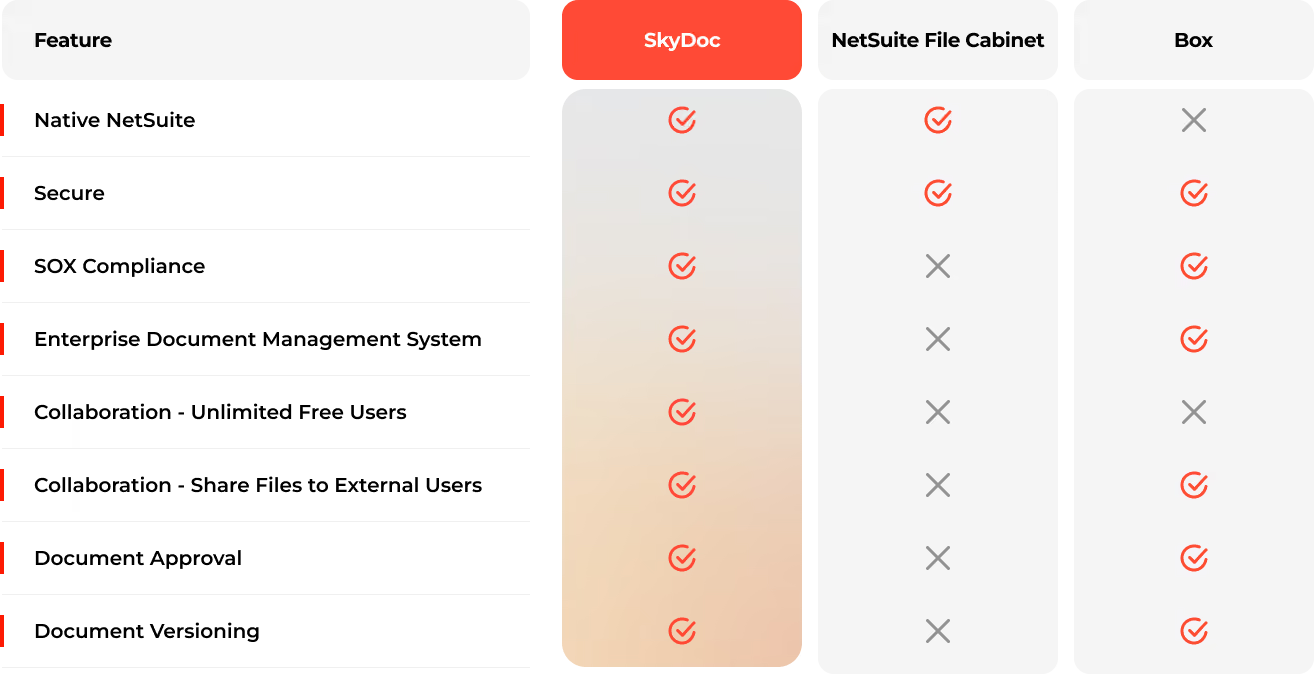
Without vs With the Reconciliation Agent

Feature Without the Agent With the Reconciliation Agent
500-line statement Ticked by hand Matched line by line
Mismatches Easy to miss Every one flagged with a status
Why it’s off Investigated from scratch A likely cause on each line
What to do next Scattered notes One exception list
Vendor picture Unknown until month-end Visible vendor by vendor

See Reconciliation Agent at work

oracle netsuite
A list to act on. Your team gets a clear exception list, and finance sees what’s failing, vendor by vendor. 
oracle netsuite
Every line, checked. AI reads the vendor statement and matches every line against your NetSuite transactions. 
oracle netsuite
Knows its limits. The agent won’t mark a mismatch as matched. Your team decides. 

Native to NetSuite. Not Bolted on.

~20 years of NetSuite expertise · ~100 NetSuite professionals · 10,000+ completed projects
  • Inside NetSuite. The agent works on your NetSuite records, so your team stays where it already works.
  • Your workflows. Results land as standard NetSuite records and go through your existing approvals.
  • Human in the loop. The agent finds, matches and recommends. Your people review and approve.
  • Within your permissions. Every agent only shows what the user is already allowed to see.

FAQs

What does the Reconciliation Agent reconcile? 

Vendor statements against your NetSuite bills, credits and payments. 

Does Reconciliation Agent fix mismatches automatically? 

No. It flags each one with a likely cause. Your team decides what to change. 

How much data access does AI / LLM have?

The AI / LLM only has access to the specific documents and data provided to it for processing, such as the invoice being read. It does not have access to your broader NetSuite account, records, transactions, reports, financial data, customer data, vendor master data, or any other NetSuite information.

Will Reconciliation Agent ever mark something as matched when it isn’t? 

No.  A line is only marked as matched when it matches. 

What formats can Reconciliation Agent read? 

Vendor statements as PDFs in any layout, with no templates needed. 

Where does my team’s time go? 

The agent does the line-by-line matching, so your team’s time goes on the exceptions, not the ticking. 

\
Stop ticking. Start resolving. Hand your next vendor statement to the Reconciliation Agent. 
Fill out the form to get started
Start Now